Why the environment is the product
A real Archibus dev environment is not just a container.
A useful workspace has the application, database, runtime defaults, restore path, support loop, and enough evidence for the next person to understand what happened.
The container is the easy part. The hard part is making an Archibus environment that a consultant, admin, support person, or agent can open later and still understand.
Run WebCentral without rebuilding a local machine from memory.
WebCentral runtime, database, files, restore path, access, health checks, and support state.
Keep enough context for upgrade, UAT, diagnostics, and review.
Lots of tools can start a container. ArchiBot is useful when that container is part of a repeatable Archibus workspace with the right database, the right runtime shape, and a support path that doesn't live in one person's terminal history.
A normal devcontainer works well for a self-contained application. Archibus and WebCentral work is rarely that clean. The database and runtime matter. So do the WAR, Tomcat, JDK, Gradle, license posture, config files, customizations, backups, and startup order. Fake any one of those and the workspace can look fine while the customer problem is still outside the room.
A workspace is only useful if it preserves the parts of the problem that made the local setup painful in the first place.
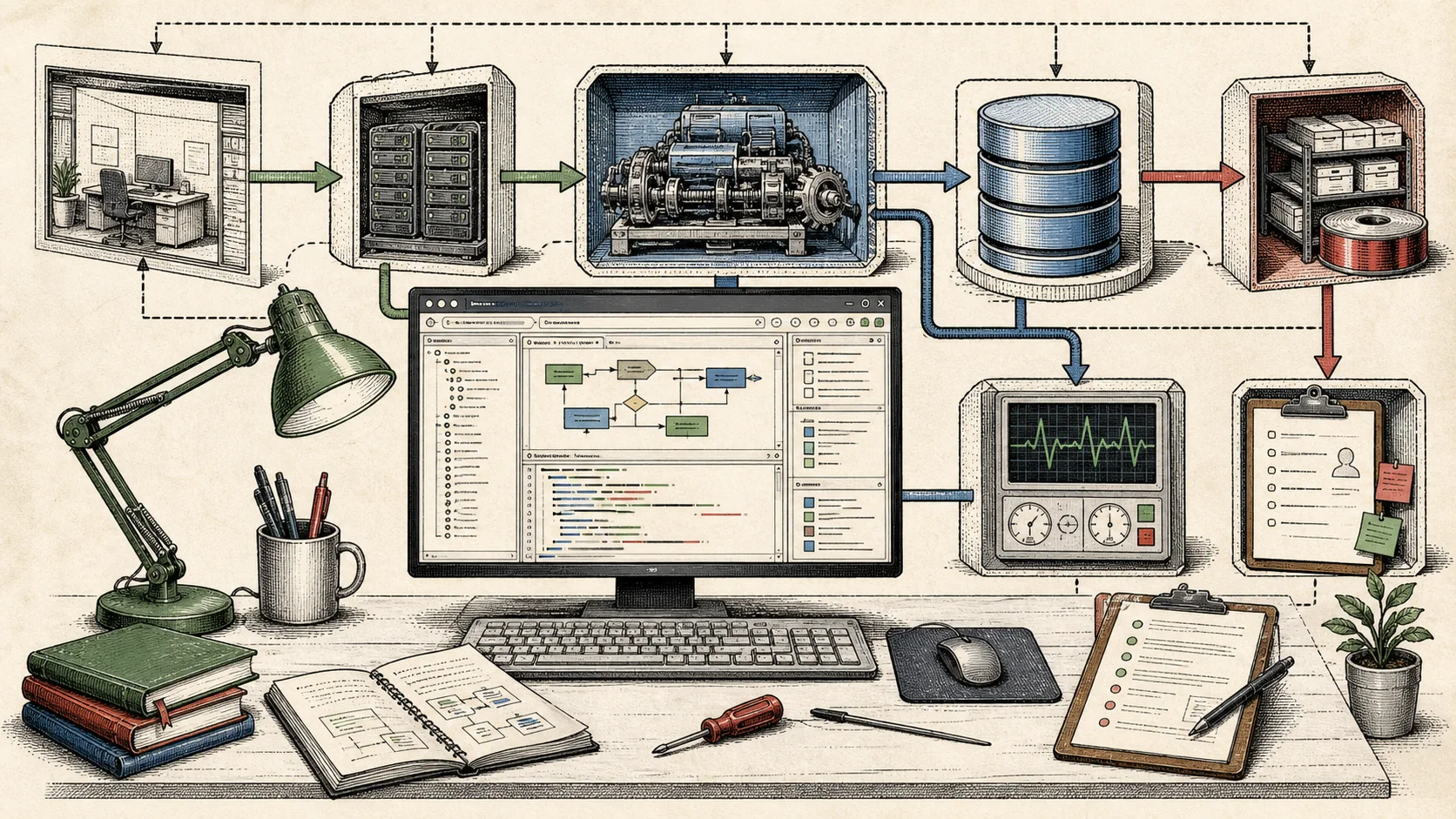
The local setup problem never stays local.
The old pattern is familiar. Someone has a working Archibus setup on a laptop or a shared server. It is "documented" in the sense that a few people know which zip, which Java version, which database, and which config tweak made it start last time. Then the next upgrade, support issue, demo, or UAT cycle begins and everyone starts reconstructing the environment again.
The rebuild is slow, and it changes the work. A consultant spends time proving the local machine isn't the problem. An admin has to send more context than they should. A support person reads logs from an environment they can't reproduce. The customer waits while the team separates product behavior from setup drift.
Stop making each person rebuild the lab. Make the lab a product surface.
Repeatable does not mean identical.
Archibus customers don't all run the same stack. One may have a newer WebCentral version. Another may carry older customizations, use SQL Server or Oracle, or depend on integrations that matter more than the base product. Some only need a clean demo or UAT environment. Others need an assessment because their stack is too old for an honest fixed-scope upgrade.
A repeatable platform can express those differences without turning every job into a fresh invention. The template should carry known runtime defaults. The Console should expose the choices that matter. The workspace should start the same way each time, and the support record should say what was created. If a restore or import fails, that failure should stay with the environment instead of disappearing into terminal scrollback.
Version, database, customizations, integrations, logs, and goal.
Pick a template and runtime shape instead of building from scratch.
Attach a safe database path, seed data, or a staging-style backup.
Use IDE, logs, config, metadata, and controlled AI context.
Keep health checks, notes, and next action with the workspace.
The AI part needs the boring part.
ArchiBot needs a stable environment nearby. It can search files, inspect config, compare metadata, review logs, explain AXVW changes, and help narrow the next step. None of that helps if the environment isn't real enough to trust.
In a random container with a half-working app, AI just gives faster guesses. A known template, database shape, runtime defaults, and support evidence give the model something concrete to reason over. The human still owns the answer. The agent just has a better workplace.
Support work needs a place to land.
The same workspace can be a dev environment, UAT system, demo, troubleshooting lab, or upgrade rehearsal. The difference is the contract around it.
Start from a safe copy, run the path, keep blockers visible.
Give users a real target without turning production into the test bed.
Bring logs, config, database facts, and notes into one workspace story.
The failure mode
Without a workspace record, every support thread has to rebuild context. What version? Which database? What changed? Which restore? Which logs? Who touched it? The person answering the question spends the first part of the job proving the ground is solid.
A managed workspace gives that context a place to live. The environment has a known shape, metadata, and a support path. When someone asks what happened, the answer can point to evidence instead of memory.
If the support story cannot survive the person who ran the command walking away, the environment is still too personal.
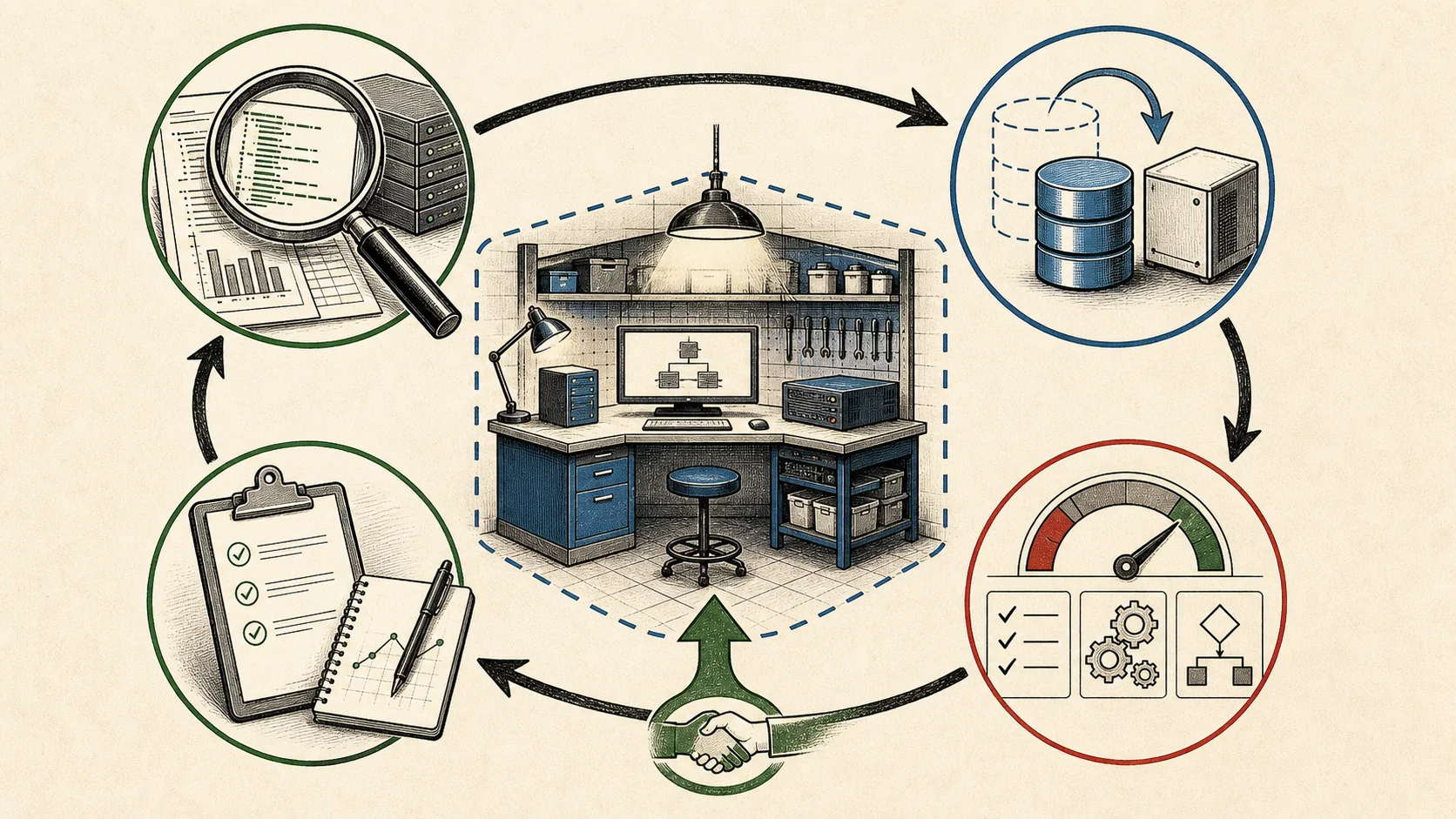
The fit check is part of the product.
A quick discovery pass keeps the workspace honest. We need the WebCentral version and build, database type and version, app server, JDK, Tomcat, Gradle, integrations, customizations, backup posture, and the actual pain point. We also need to know what data is allowed in a hosted environment and what needs a dedicated or customer-controlled path.
What I would ask before creating the lab.
A good workspace starts with the constraint that matters most. Sometimes that is version. Sometimes it is data. Sometimes it is Oracle licensing or backup format.
WebCentral version/build, Tomcat, JDK, Gradle, WAR shape, known custom code.
SQL Server or Oracle, backup format, size, restore expectation, license boundary.
Upgrade readiness, performance diagnosis, UAT, staging, demo, support triage.
Hosted approval, staging copy, sanitized dataset, dedicated deployment, or no-go.
Start with the lab.
"AI-assisted Archibus support" is too soft. Start with the room where the work happens: a repeatable Archibus lab for upgrade readiness, diagnostics, UAT, staging, demos, and support.
Then the AI part has a place. It searches, inspects, compares, explains, and narrows the next step inside an environment that exists for a reason. It doesn't replace the workspace. It makes the workspace easier to use.
The promise is specific: less setup drift, better handoff, safer reproduction, and a support story that survives after the first person closes their laptop. A smarter chat box floating over a vague enterprise system has none of that context.
The workspace has done its job when the next person can understand why it exists, what it contains, and what to do with it.